
A faceless video studio
Bend a voice-over into a finished video.
Video Bender turns your narration into an edited 16:9 video: real footage matched to every sentence, jump-cut zooms, text timed to your words, transitions and sound. It runs on your own computer, and an AI agent drives it.
Private studio for macOS and Windows. Not a hosted service.

- 8pipeline stages, from upload to final join
- 7studio languages, Arabic included
- 2systems: macOS and Windows
- 1folder per project: plain files, no database
What it does
You bring the voice. It does the edit.
Hand it an mp3, wav or m4a, or paste a script for a voice to read. Out comes a complete video, plus a credits file for every Creative Commons clip it used.
-
Footage matched to what you say
It plans a shot for each line, then searches Creative Commons YouTube, Wikimedia, Openverse and other free sources for clips and photos that fit.
-
Text timed to your words
Every word gets a timestamp, so overlays land exactly when you say them.
-
Jump-cut zooms and light leaks
Punch-ins, whip cuts and light-leak transitions keep the pace up.
-
Sound design
Sound effects under the cuts, mixed with your narration.
-
Website and article cards
Screenshot cards of the pages you mention, framed for video.
-
A review step before anything renders
It lays every clip out on contact sheets. Your agent replaces weak clips and fills gaps, then approves. Or you check it yourself.
How it works
Eight stages. One finished file.
Each stage is its own step in the studio, and every result is saved as plain files in your project folder, so a job can stop and pick up where it left off.

-

Upload
Drop in your voice-over, or paste a script and pick a voice. Voicebox runs free on your own computer and can read it for you.
-

Transcribe
WhisperX writes down every word with its exact time.
-

Plan shots
Gemini, or Claude inside a session, plans what should be on screen for each line, in the style you chose.
-
Find footage
It searches free sources for clips and photos, slowly and politely, to stay inside rate limits.
-

Review
Contact sheets and an AI picture check catch bad clips before they reach the edit.
-
Build scenes
Clips, text and effects are composed as HyperFrames scenes, animated with GSAP.
-

Render
The video renders in parts on your computer, or on a cloud GPU if you set one up.
-

Join
FFmpeg joins the parts into one mp4, with a credits file next to it.
Styles
Pick a look. Or clone one.
Start from a ready-made style, from documentary and deep dive to countdowns, car investigations and stick figure stories. Or give Style Bender a YouTube video whose editing you love: it studies it frame by frame and rebuilds it as your own style.

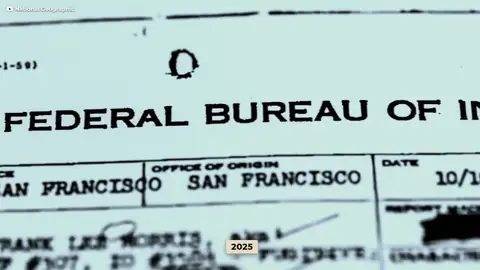
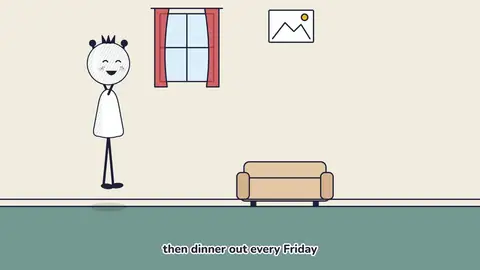
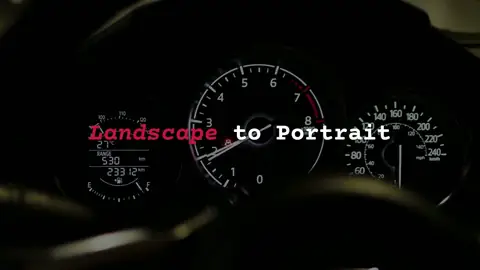
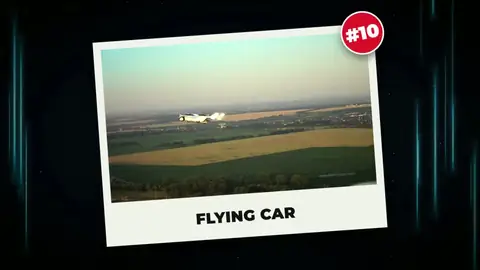
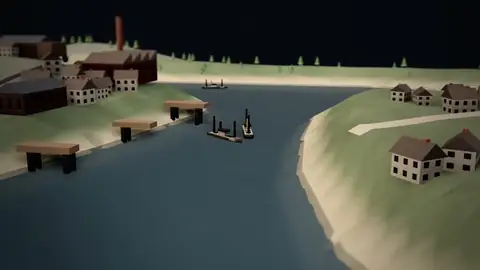
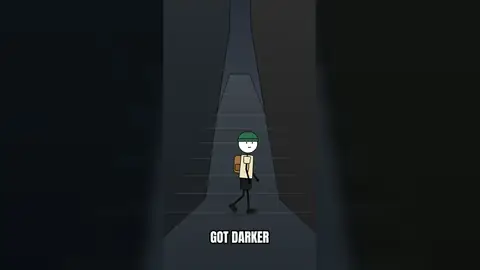
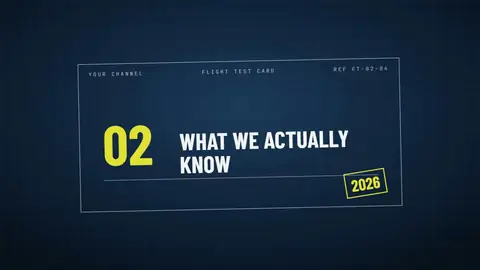



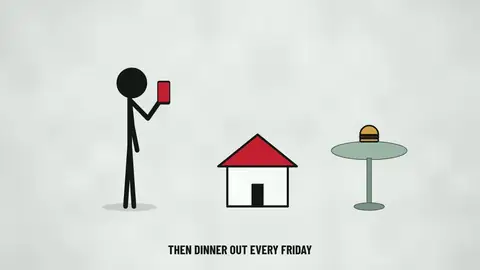

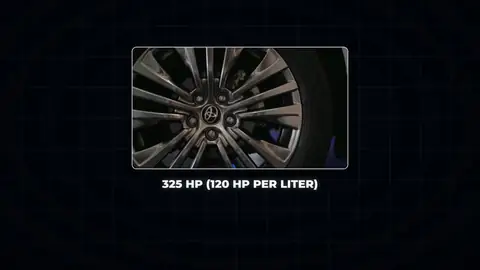
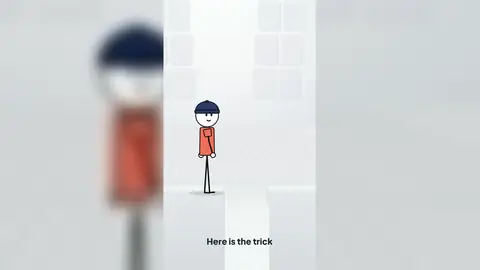
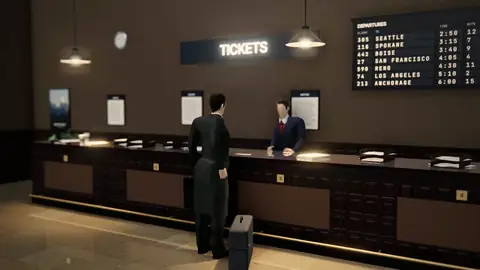
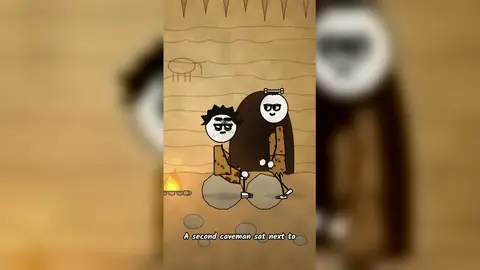
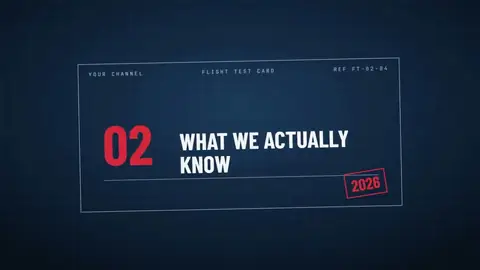
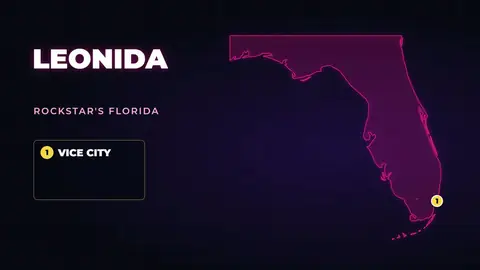
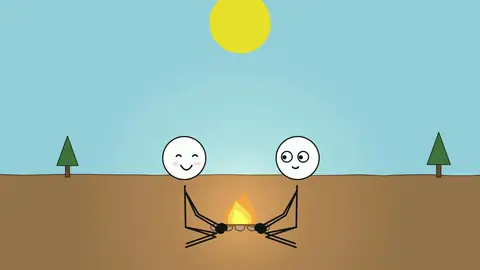


Frames from real style previews in the studio.
Built for agents
Talk to it like an editor.
Open the folder in Claude Code or Codex and say what you want. The agent follows the studio playbook: it runs each stage, reviews every contact sheet, fixes what is weak and checks the final video.
- Works with Claude Code, Codex or any coding agent
- Codex plugin: mention
@Video Benderin a local thread - Prefer clicking? The studio page at
localhost:8765does the same in four steps
make my video with the Documentary style, voice-over attached
Transcribed 1,940 words. Planned 212 shots. Searching footage now.
review the job and approve it
Checked all 27 contact sheets. Replaced 6 weak clips, filled 2 gaps. Approved. Rendering in parts.
Done: projects/my-video/out/my-video.mp4, with CREDITS.md next to it.
More in the studio
One studio, many desks.
The long-form pipeline is the core. Around it sit desks that share the same projects and the same agent.
- Style Bender
- Script Bender
- Stickman
- 3D Documentary
- Head Cast
- Animation Builder
- Niche Finder
- Channel Autopilot
- Premiere and CapCut export
- Cloud render
Honest timing
It takes its time.
For a 20-minute voice-over, roughly:
- Transcription
- 5 to 15 min
- Footage search
- about 1 hour
- Render
- 1 to 1.5 hours
Times from the project README. They depend on your computer and your sources.
Coming soon Not live yet
Soon: start a video from any AI agent, your iPhone or your own app.
We are building a remote API and an MCP server on top of the same studio. From anywhere, a signed-in user will be able to start a video, watch its progress, download the finished file or cancel it. The studio and its renders stay on the home computer.

-
For AI agents
MCP server
Planned tools such as
vb_job_create,vb_job_statusandvb_job_download, over streamable HTTP.Planned address: mcp.videobender.com
-
For your iPhone
Start from your phone
Send a script, audio file or video link from your phone, follow the stages, then download the mp4.
Planned address: api.videobender.com
-
For your apps
REST API
Plain HTTP with an OpenAPI document: create a job, list jobs, check status, cancel, download outputs.
Planned address: api.videobender.com/v1
POST https://api.videobender.com/v1/jobs
{
  "script": "The ocean covers most of the planet...",
  "style": "documentary"
}Your voice. Bent into video.
Video Bender is a private studio that Derrick builds and uses. The remote API is next.
Back to top